WhatsApp Status Not Uploading? 8 Fixes
WhatsApp status stuck on sending or failing to upload? Try these 8 fixes, from your connection and video size to updating the app.
Read the guide →Guides and tips for saving the videos, images and audio you own or have permission to save.
WhatsApp status stuck on sending or failing to upload? Try these 8 fixes, from your connection and video size to updating the app.
Read the guide →
Request a copy of your own TikTok videos, comments and activity from Settings. Pick the format, then download the file before the link ends.
Read the guide →
Request an archive of your own X (Twitter) posts, media and messages. Verify it is you, wait for the email, then download the file.
Read the guide →
Back up your own Telegram chats, photos, videos and files with Telegram Desktop. Choose what to include, the format and where to save it.
Read the guide →
The right aspect ratio, resolution and length for Instagram Reels, YouTube Shorts, Snapchat and Facebook videos, in one simple table.
Read the guide →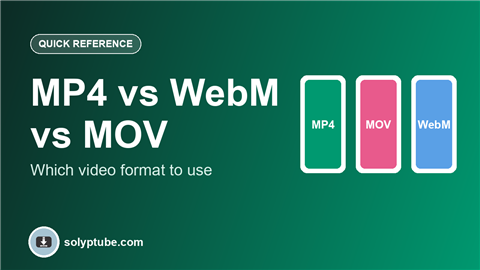
MP4, WebM or MOV? See what each video format is good for, where it works, and which one to pick for social media, websites and editing.
Read the guide →
Watch YouTube without internet using the official Download button. Learn where it works, how long videos last, and why it may be missing.
Read the guide →
Lost the original file? Download your own YouTube uploads from YouTube Studio, or get all of them with Google Takeout.
Read the guide →
Put a YouTube video on your WhatsApp status with the official Share button. Steps for Android and iPhone, plus fixes if the link won't share.
Read the guide →
Save your own Instagram Reels, photos and posts to your phone. Use the download option, the camera roll setting, or request a full copy.
Read the guide →
Download a copy of your own Facebook photos, videos, posts and messages from Accounts Center, or save one of your own videos.
Read the guide →
Request a copy of your own Instagram photos, Reels, Stories and messages from Accounts Center. Choose what to include and download it.
Read the guide →